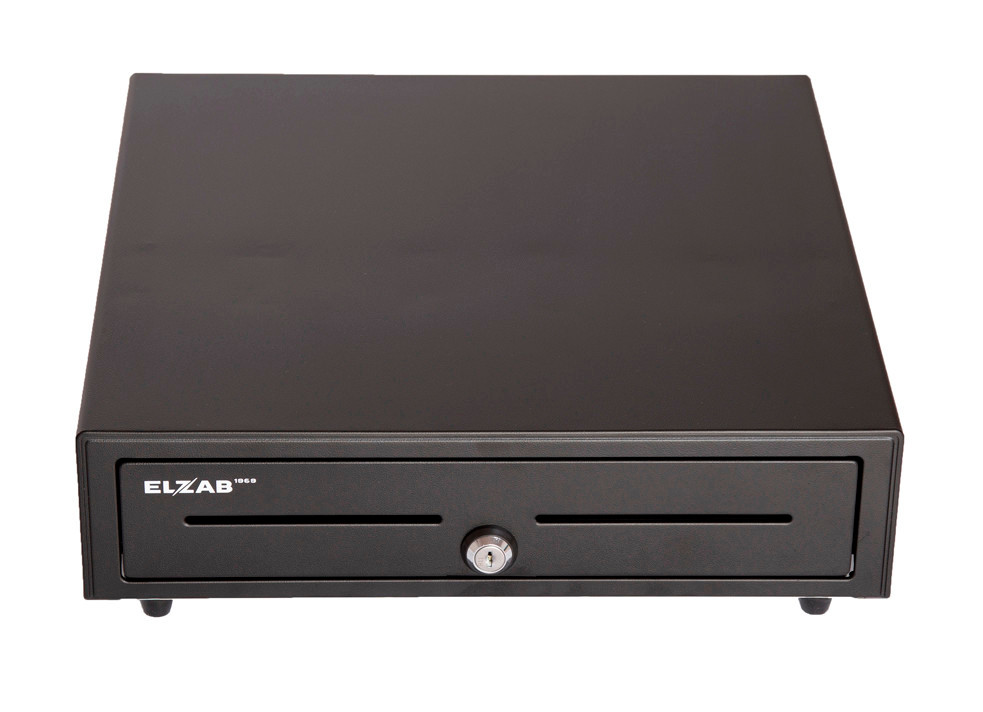
Devices
- POS terminal with receipt printer
- Barcode scanner
- Customer display: SUNMI, PAX
Till, scanner, printer, drawer and customer display work in one sales process on the same data.
Compatible devices configured directly in Sincliq settings.
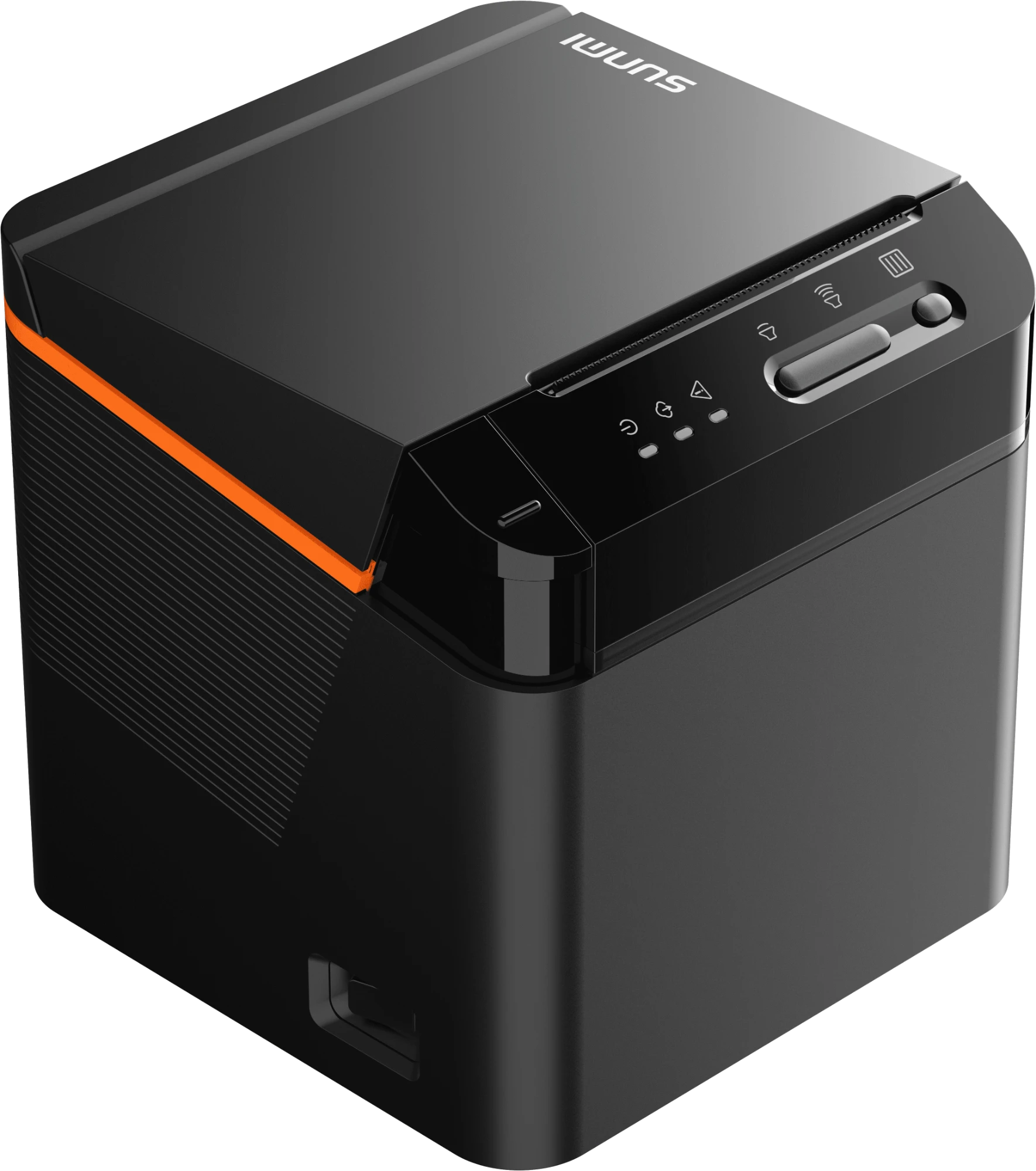
Cloud printer with order recovery for the past 24 hours when the connection is restored.
Configure the printer connection separately on each POS device. One workstation's settings do not change the configuration of others.
Ticket and fiscal printers, drawers, 2D scanners, QR stands and the customer display. Assign each piece of hardware to its role directly in Sincliq device settings.
Use the built-in printer or configure a network printer in Sincliq. Assign its address and receipt or report printing role, without additional drivers or a print server.
Route tickets, receipts and reports to the appropriate workstation printers.
The scanner reads EAN codes and loyalty cards, the QR stand signs customers up to the programme.
Match POS, mobile devices, printers and QR materials to your workstations and service requirements.
Interchange and card scheme fees vary. The final cost depends on factors including card type, issuing country, merchant country and transaction type.
Custom pricing available for high-volume businesses.
Rates may vary depending on payment method, card type, transaction volume and individual commercial terms.
Walk through retail from the first scan to payment, current inventory and store performance.