
QR ordering and payments integrated with POS.
Share your menu through a table QR code. Guests select dishes and extras and place orders without installing an app. Sincliq links each order to its table, kitchen preparation and payment.
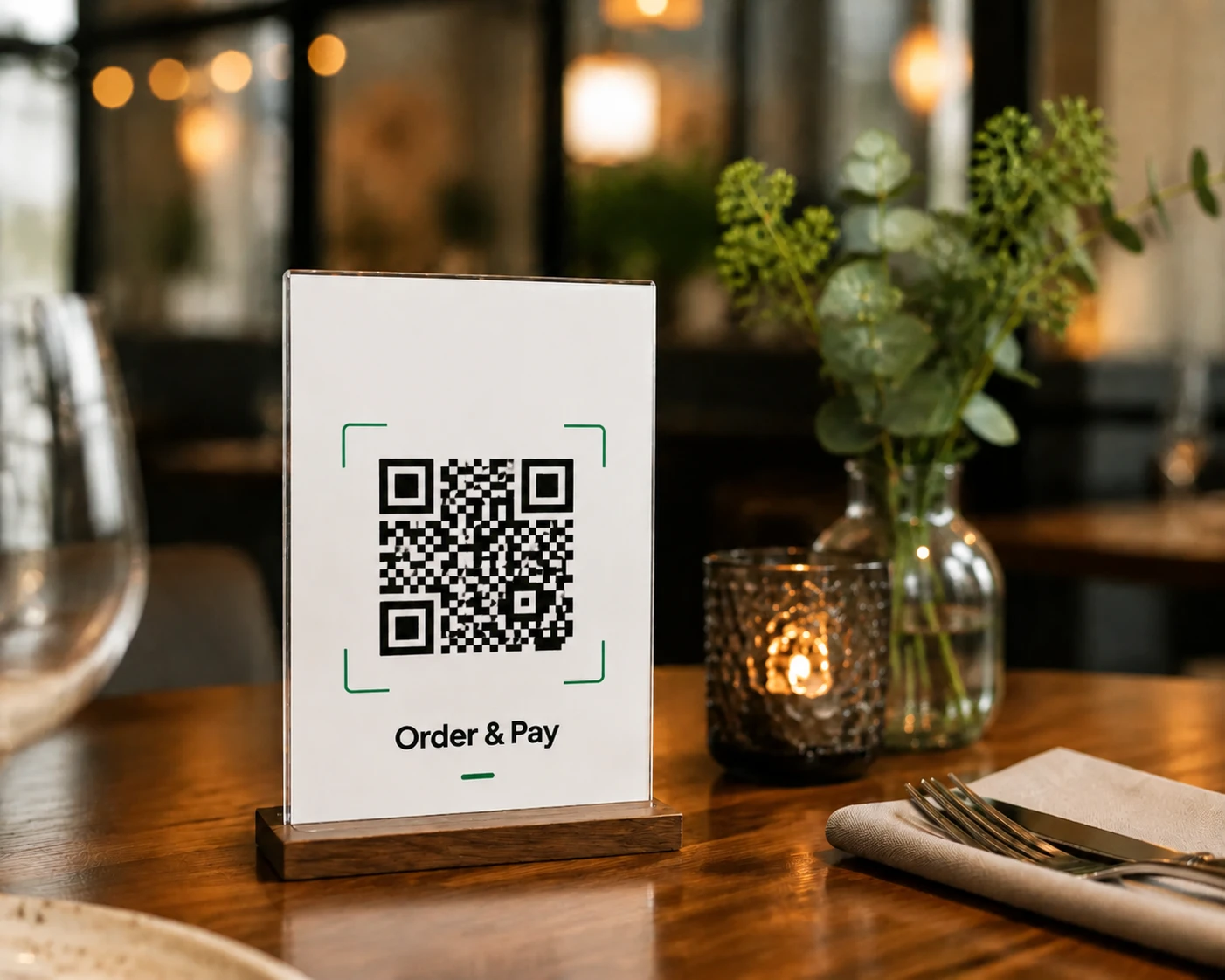
Supported payment methods
Cards, Apple Pay, Google Pay and in-person terminal payments
Self-service ordering that supports your team
QR Order & Pay lets guests browse the menu, order and pay on their phones. Staff manage these orders in Sincliq alongside orders taken by the service team.
QR orders reduce manual data entry. Staff retain access to checks, while the kitchen receives items, extras and preparation notes.
Benefits of integrated QR ordering
Menu access by QR code
The menu is available right after the scan, with variants, extras and notes. That shortens the path from guest decision to order.
Order-to-table assignment
A table-specific QR code identifies the service location and corresponding check in Sincliq.
Order routing to the kitchen
Confirmed orders are sent for preparation with selected variants and notes, without re-entry in the POS.
Payment linked to the check
Phone payments update the check status in POS. QR sales and payments are included in the venue's shared reports.
The guest ordering experience
Menu, cart, payment and confirmation form one connected process linked to the check in Sincliq. Staff manage the order without another system.
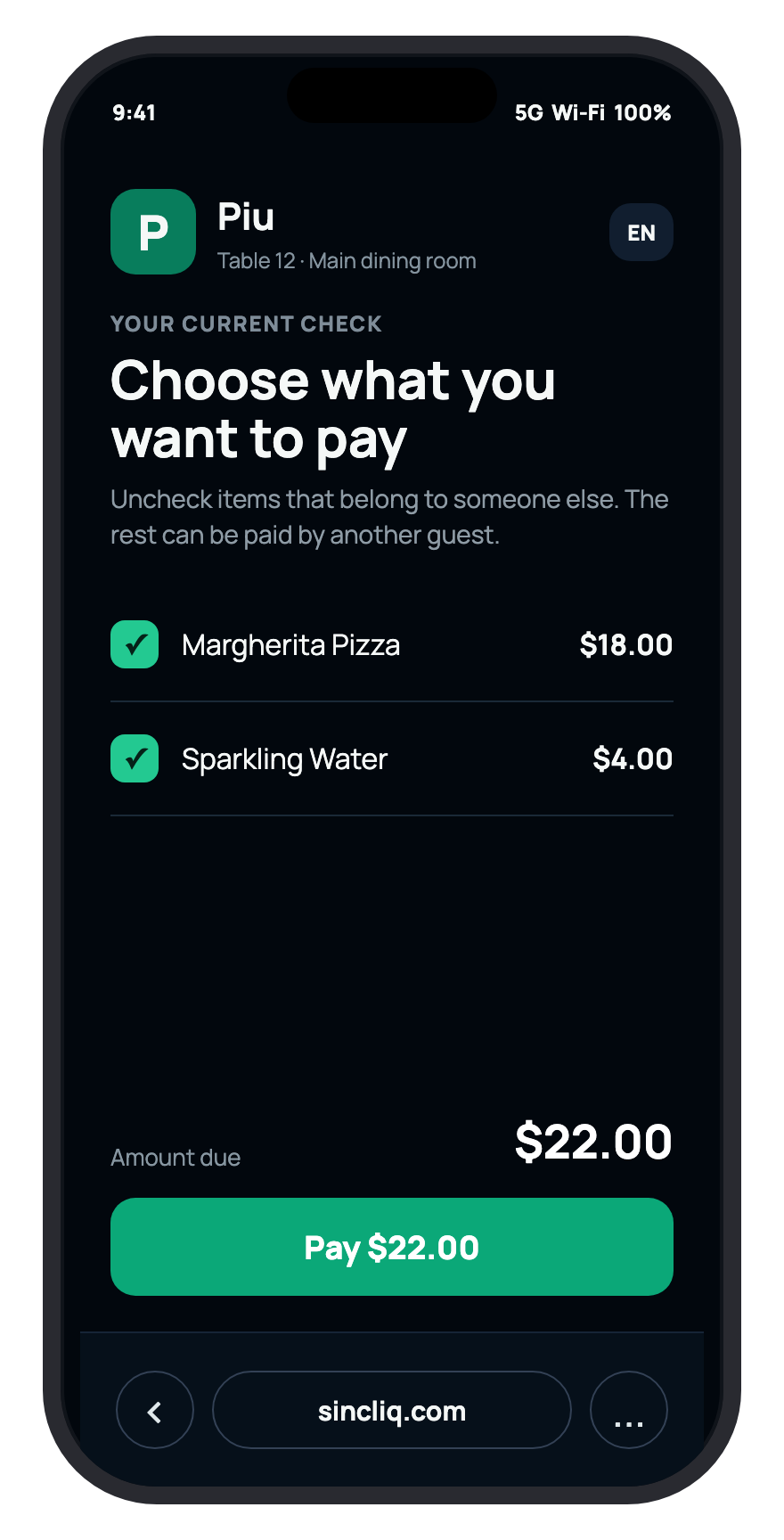
Current menu
Guests see the menu, prices and options managed in Sincliq. There is no second list to keep updated.
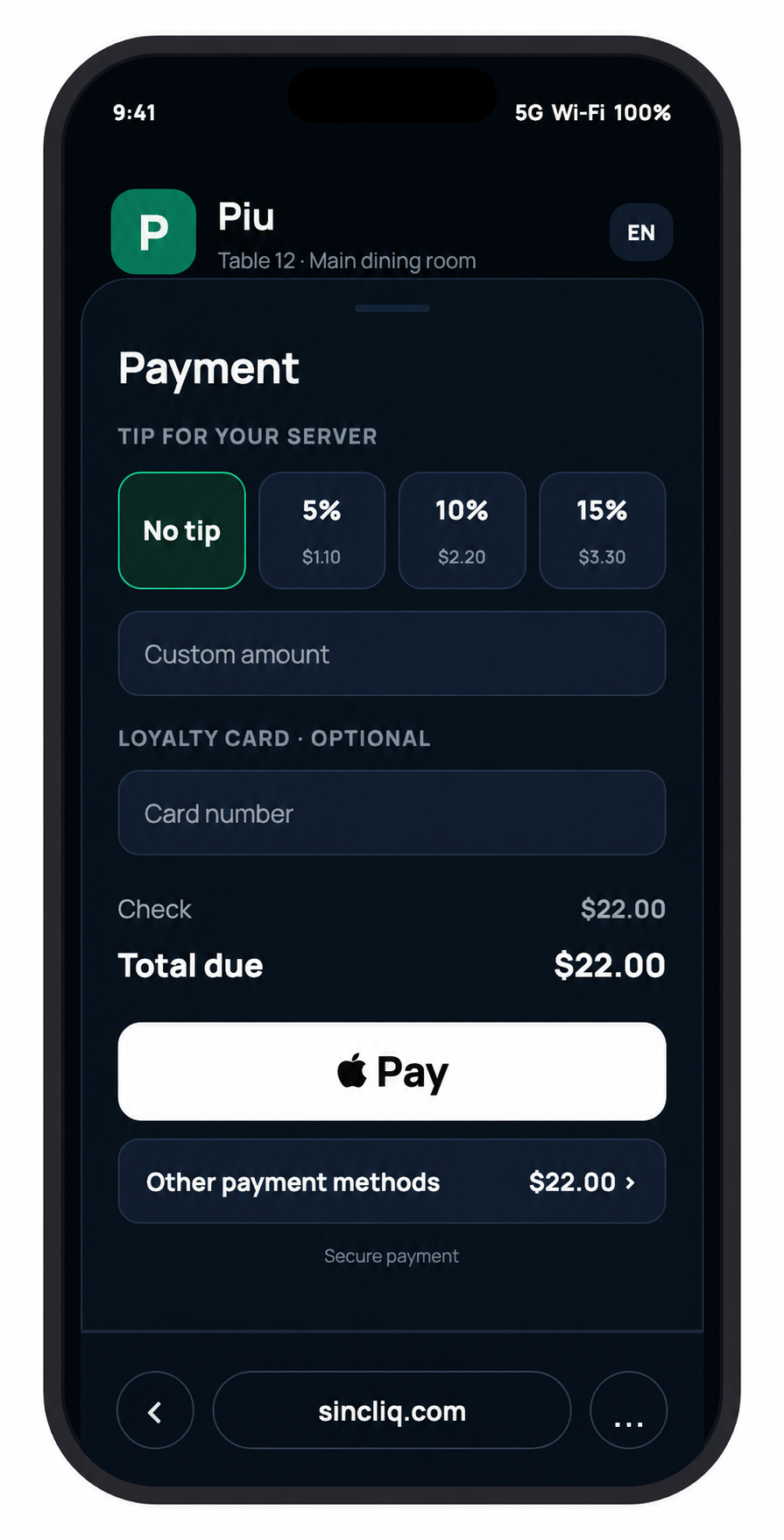
Basket at the table
The table number is assigned to the order. Guests can add further items during their visit.
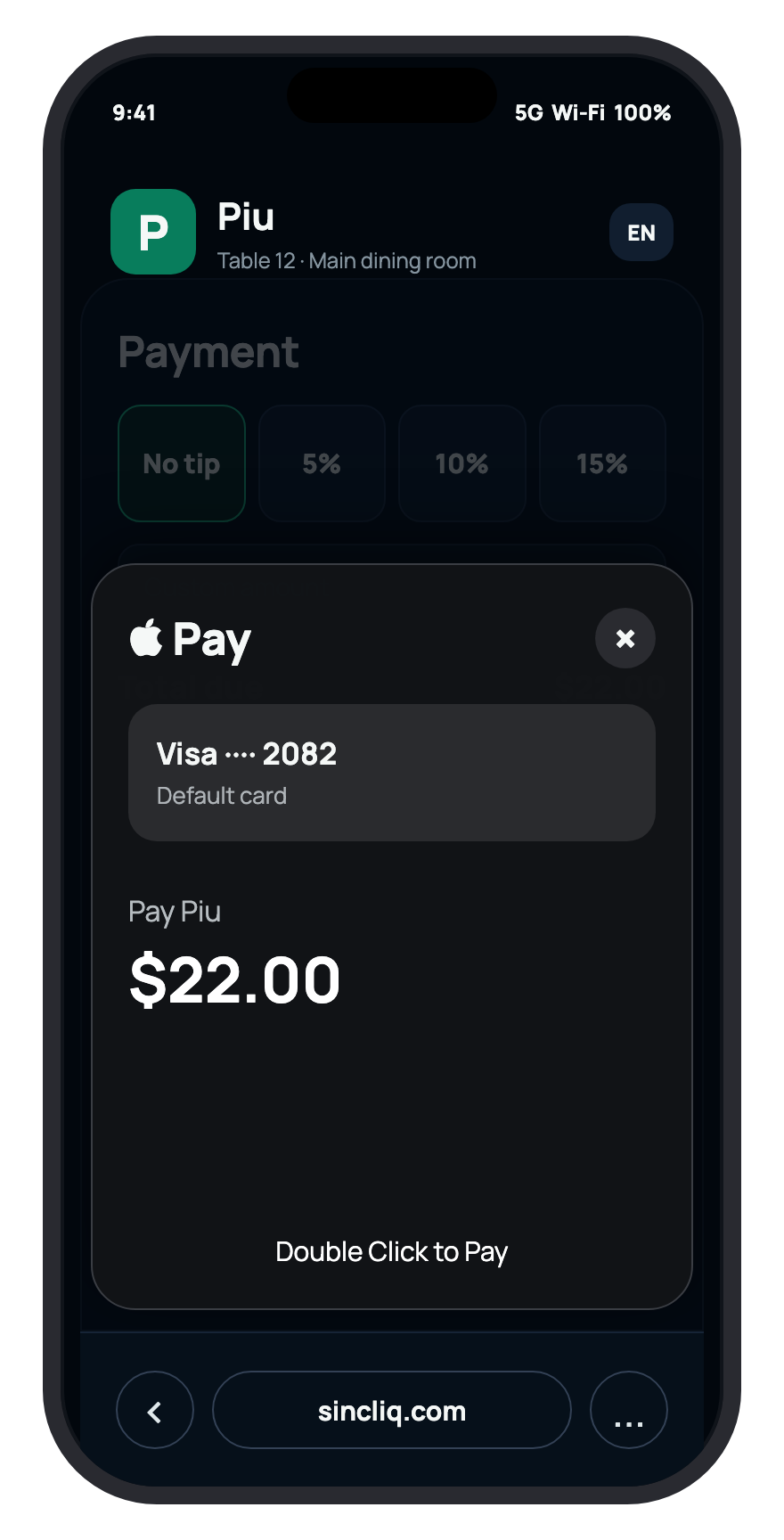
Phone payment
Guests pay without waiting for a terminal. Status returns to Sincliq, so staff can see whether the table is settled.
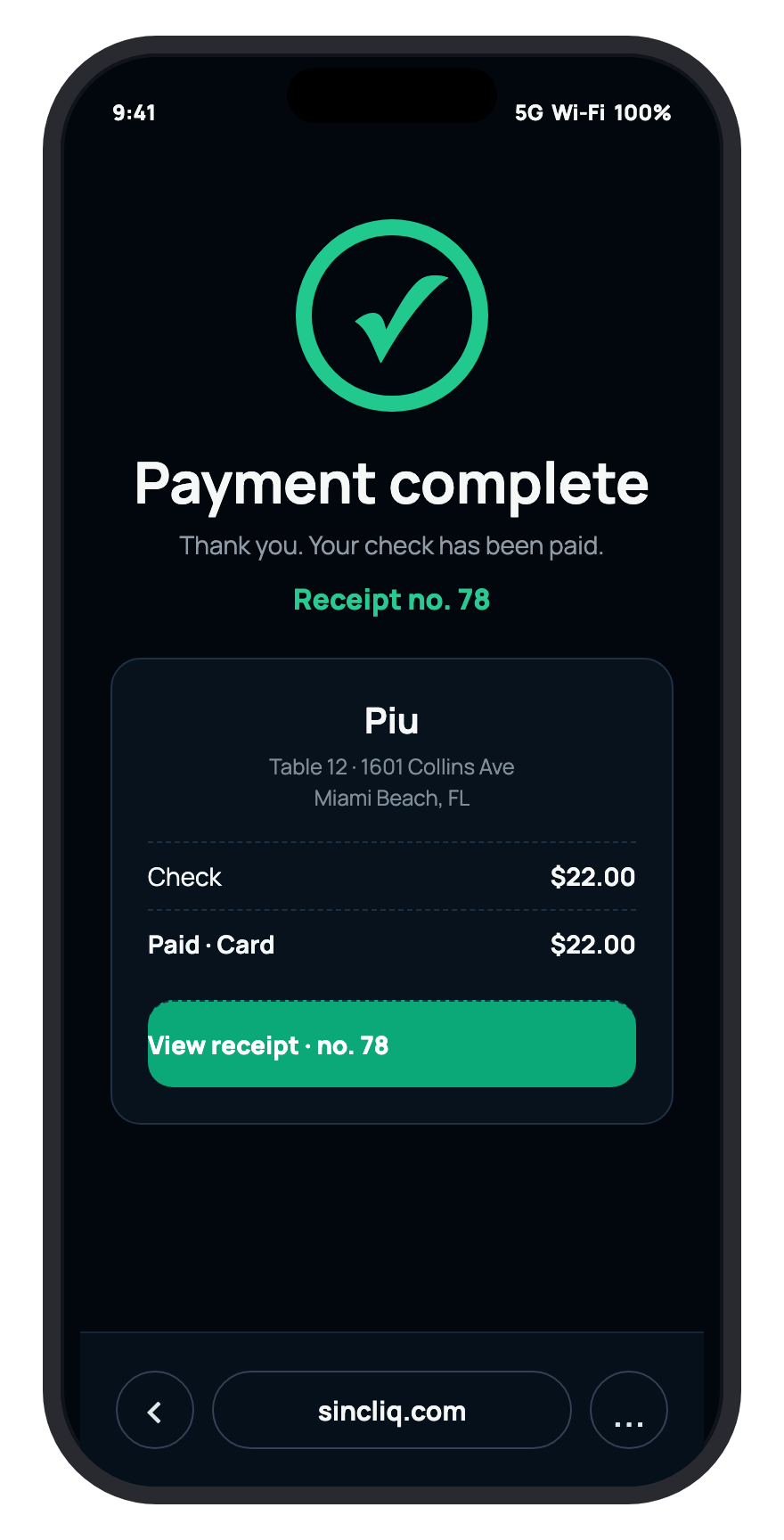
Confirmation in the system
The register shows the paid table, and the sale lands in reports. The team does not need to check payment outside its system.
Integrated QR ordering and payment workflow.
Ordering, kitchen preparation and payment are linked to one check in Sincliq.
The customer scans the code at the table
Guests scan the table QR code to open the menu in their phone browser and select dishes, options and extras without installing an app.
Choose a number to stay on a specific step.
Connect table service and shift reconciliation.
See how Sincliq connects floor, kitchen, payment, inventory and reporting in one demo.