
Goods-in with purchase price
The goods-in document records supplier, quantity and price; the new price becomes the item's purchase cost.
Goods-in sets quantity and purchase price, sales and returns change stock, and issues, losses and stocktakes leave a clear ledger trail.
Goods-in sets quantity and purchase price. Sales and returns change product stock. Issues, losses and stocktakes remain in the ledger, so every difference can be traced to a movement.
Goods receipts, sales and returns update product stock. Issue and loss documents record the reasons for other inventory changes.
The goods-receipt document contains items, quantities, purchase prices and supplier details.
Sales and returns are recorded as inventory changes.
Every movement outside sales has a document and a reason.
Stocktakes compare actual quantities with recorded inventory.
Review stock levels alongside movement history and reasons for adjustments. Separate views of low stock, waste and stocktake variances support purchasing decisions and cost control.
The goods-in document records supplier, quantity and price; the new price becomes the item's purchase cost.
Goods-in, internal use and external issues have separate documents and movement directions.
Set the threshold per item and the dashboard isolates stock below minimum.
Expiry, damage, error or shortage are recorded separately with their value.
Compare incoming stock, consumption and losses by quantity and value for a chosen period.
A barcode scan identifies the product, and the entered quantity is recorded in the stocktake document.
The overview shows stock value, incoming stock, consumption, losses and items below minimum. Tabs lead into balances, documents, losses, stocktakes, recipes and reports.
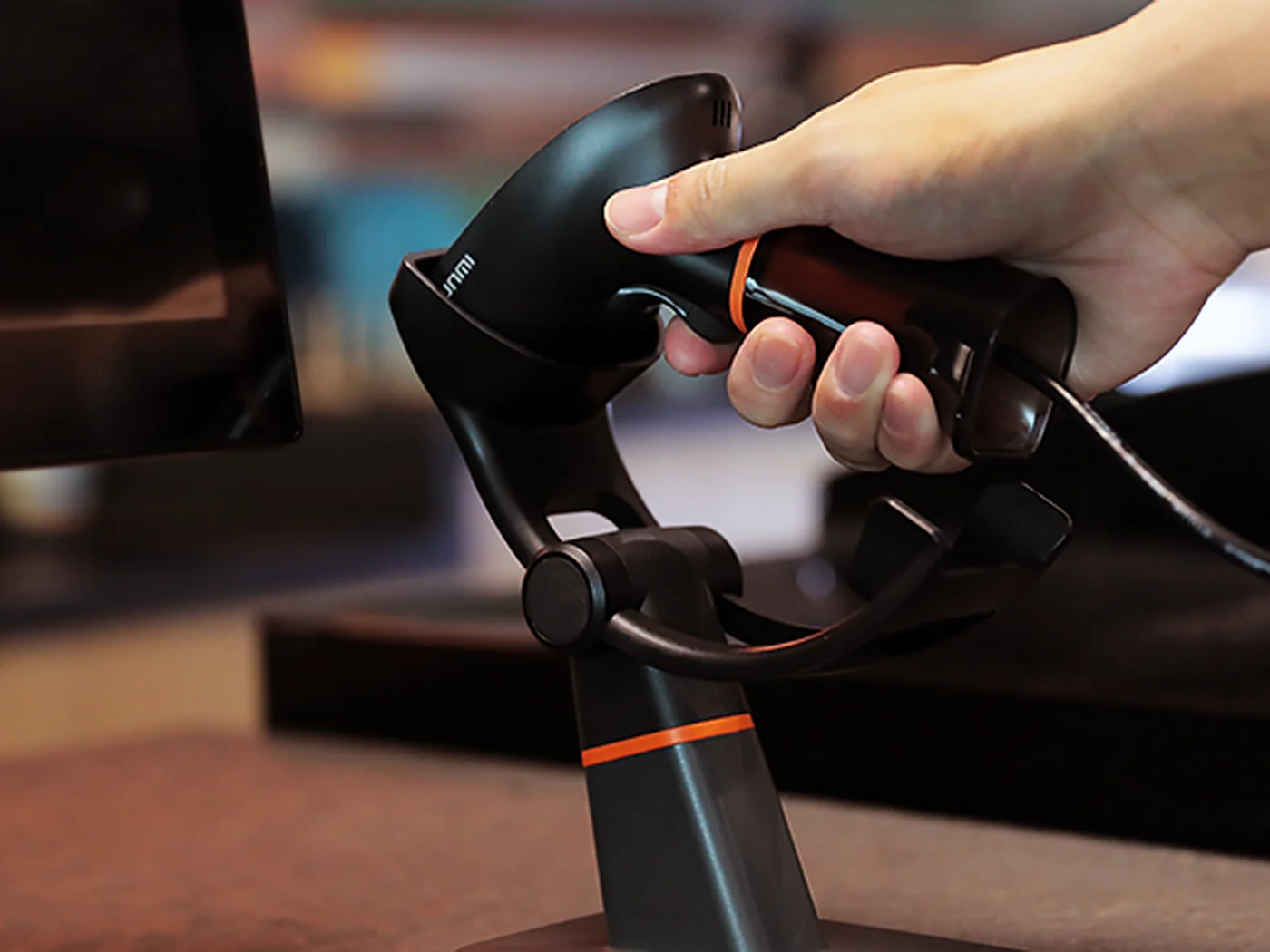
The team works with product codes and delivery documents, while the owner sees quantity, value and the reason for every stock change.
We will go from goods-in and purchase price through sale or recipe to stocktake, loss and value reporting.