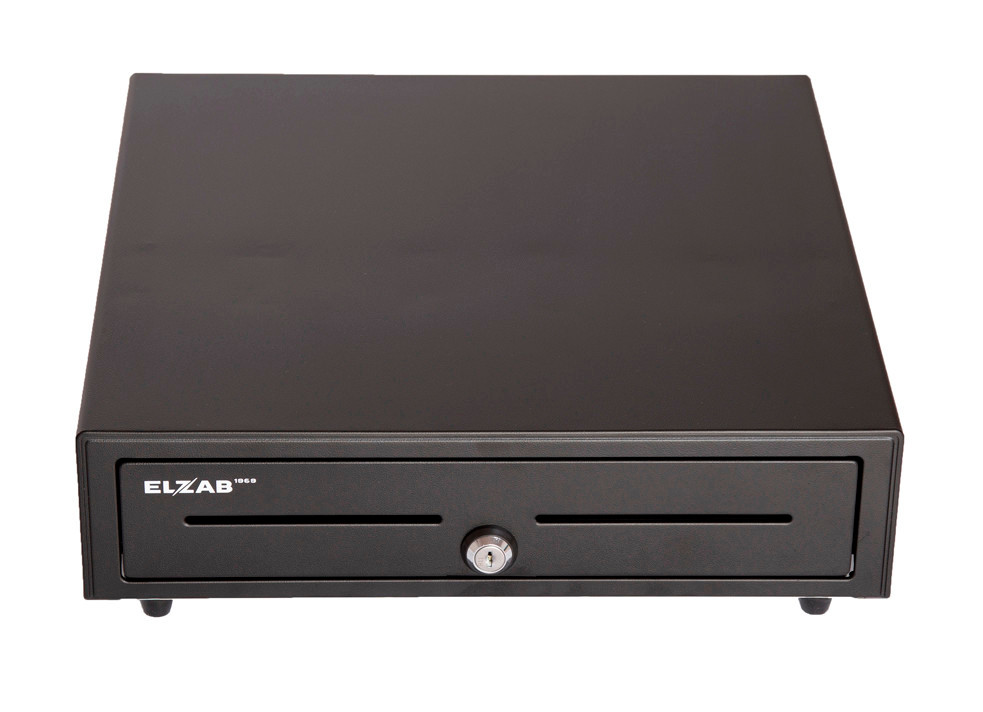
Devices
- POS terminal with receipt printer
- POS Mini for tableside service
- Customer display: SUNMI, PAX
POS terminal, POS Mini, printers and customer display form one working setup. Configure every device role directly in Sincliq.
Compatible devices configured directly in Sincliq settings.
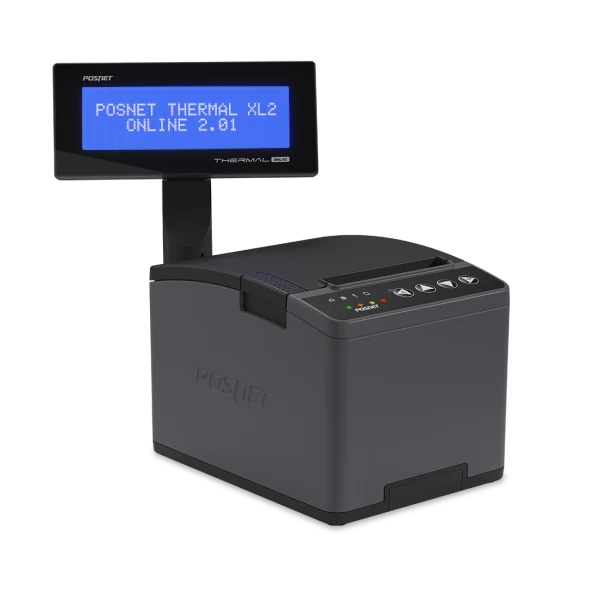
Online printer: connects to the central fiscal repository over the register's USB, LAN or Wi-Fi.
Configure the printer connection separately on each POS device. One workstation's settings do not change the configuration of others.
Ticket and fiscal printers, drawers, 2D scanners, QR stands and the customer display. Assign each piece of hardware to its role directly in Sincliq device settings.
Use the built-in printer or configure a network printer in Sincliq. Assign its address and role: receipts, kitchen tickets or reports, without additional drivers or a print server.
Route tickets, receipts and reports to the appropriate workstation printers.
The scanner reads EAN codes and loyalty cards, the QR stand takes orders at the table.
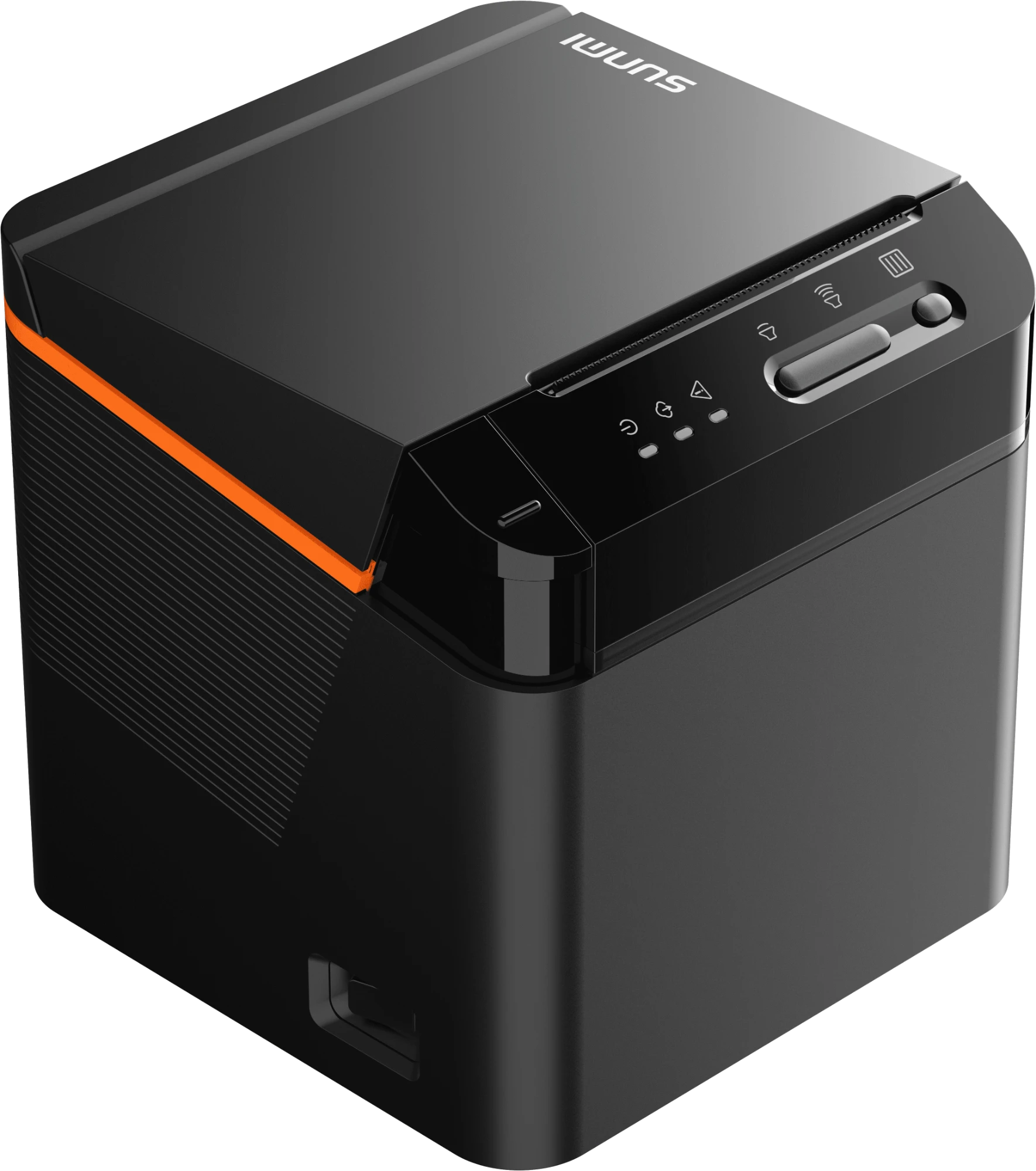
Match POS, mobile devices, printers and QR materials to your workstations and service requirements.
Custom pricing available for high-volume businesses.
Rates may vary depending on payment method, card type, transaction volume and individual commercial terms.
See how Sincliq connects floor, kitchen, payment, inventory and reporting in one demo.