Goods-in with purchase price
The goods-in document records supplier, quantity and price; the new price becomes the item's purchase cost.
Deliveries build quantity and purchase cost, recipes translate sales into ingredient use, and stocktakes show shortages, surplus and variance value.
Record deliveries and purchase costs, assign ingredients to recipes and track usage against sales. Stocktakes compare physical inventory with recorded balances.
Stock documents record quantities and purchase prices. Linking recipes to sales enables ingredient usage tracking within the same system.
Goods-in increases stock and the document price updates purchase cost.
The recipe defines the quantity of each ingredient required per portion.
Dish sales are linked to ingredient deductions from inventory.
Counted stock shows shortages, surplus and variance value.
Review stock levels alongside movement history and reasons for adjustments. Separate views of low stock, waste and stocktake variances support purchasing decisions and cost control.
The goods-in document records supplier, quantity and price; the new price becomes the item's purchase cost.
Goods-in, internal use and external issues have separate documents and movement directions.
Set the threshold per item and the dashboard isolates stock below minimum.
Expiry, damage, error or shortage are recorded separately with their value.
Compare incoming stock, consumption and losses by quantity and value for a chosen period.
A barcode scan identifies the product, and the entered quantity is recorded in the stocktake document.
The overview shows stock value, incoming stock, consumption, losses and items below minimum. Tabs lead into balances, documents, losses, stocktakes, recipes and reports.
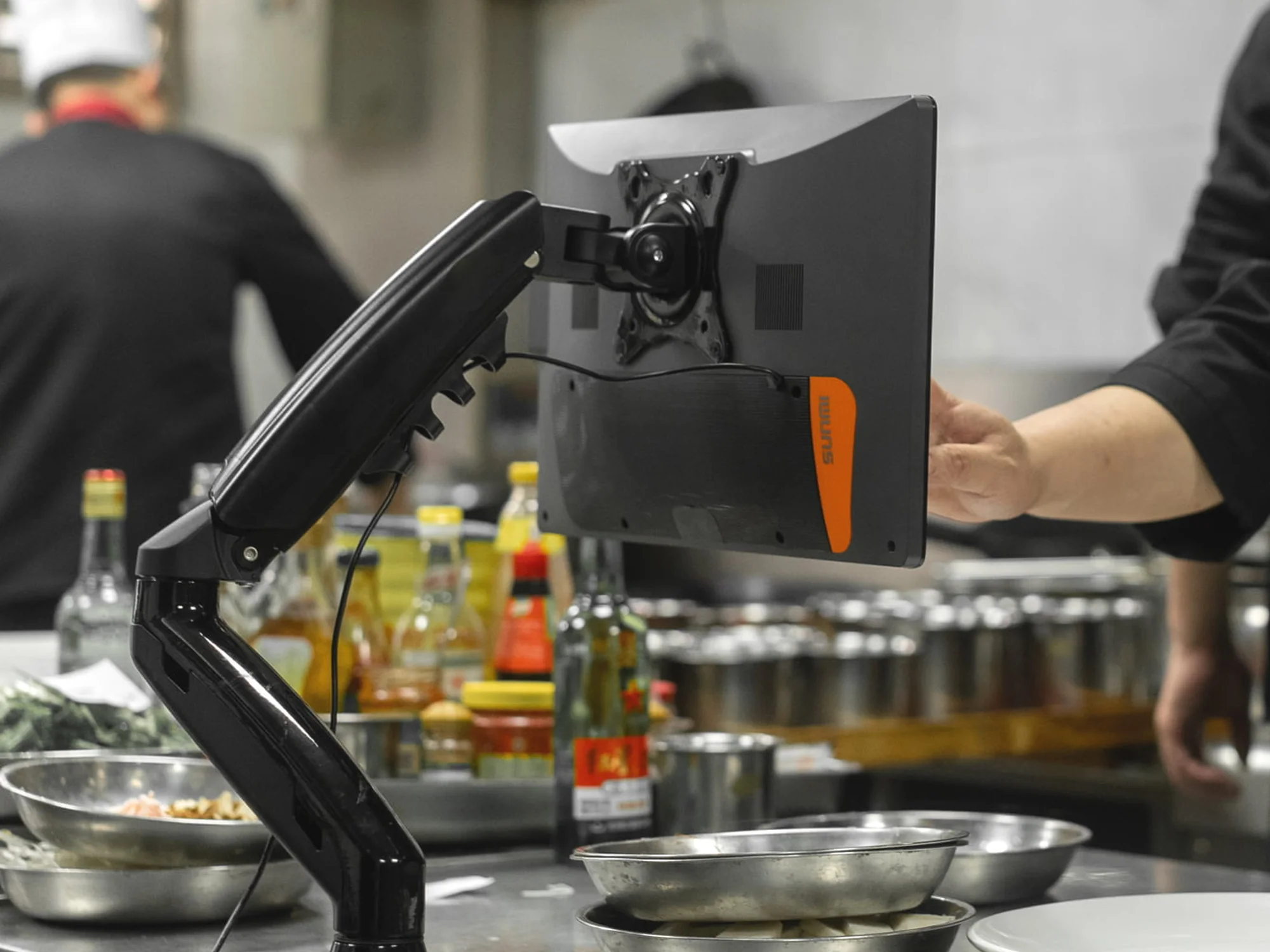
Connect sales, recipes and inventory. Analyse ingredient usage, purchase costs and stocktake variances using your venue's daily operating data.
We will go from goods-in and purchase price through sale or recipe to stocktake, loss and value reporting.